Is There a Wildz Casino App to Download?
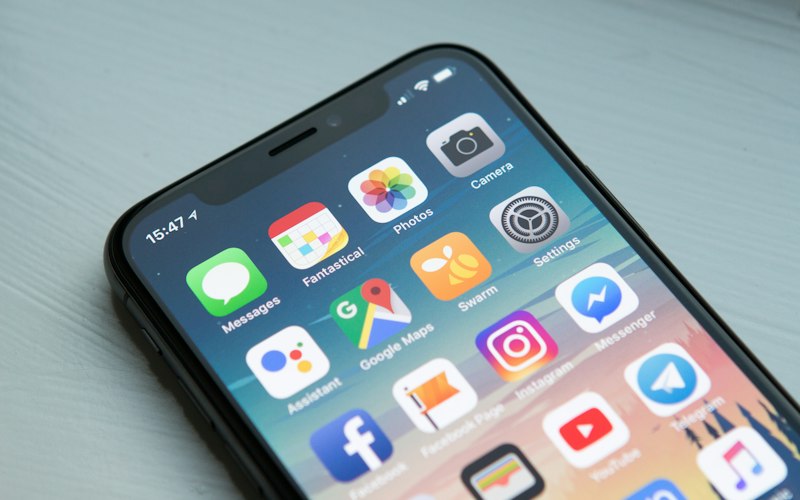
No. That answer stays consistent across every store search and every official source, and it is worth stating plainly rather than burying it under marketing language. Wildz made a deliberate choice to build a responsive mobile website instead of maintaining separate native apps for iOS and Android.
A browser-based casino skips app store review queues, avoids forcing manual updates onto players, and works identically regardless of phone model or operating system version. The trade-off is that there is no icon waiting in an app store — the closest equivalent has to be created manually.
Adding Wildz to Your Home Screen
Both major mobile browsers support turning the Wildz site into something that looks and opens like an app — even though nothing is technically installed.
iPhone — Safari
- Open the Wildz site in Safari
- Tap the Share icon at the bottom of the screen
- Select "Add to Home Screen"
- Confirm — an icon appears alongside your apps
- Opens in full-screen mode, no browser address bar
Android — Chrome
- Open the Wildz site in Chrome
- Tap the three-dot menu in the top corner
- Select "Add to Home Screen"
- Confirm the prompt that follows
- Icon launches the site in full-screen, app-like mode

What Games Work on Mobile
Nearly the entire slot catalogue plays natively in a mobile browser. Titles from Pragmatic Play, Play'n GO, NetEnt, Push Gaming, Red Tiger and Gamomat are all built on frameworks designed for touchscreens — reels resize to fit a vertical screen, and betting controls sit within thumb's reach.
Live casino tables carry over as well. Evolution's game-show formats and classic blackjack, roulette and baccarat rooms stream at the same quality on mobile data or Wi-Fi. A stable connection matters more here than for slots, since the video feed runs continuously.
- Full slot catalogue — optimised for touchscreen controls
- 350+ live dealer tables — same quality as desktop
- RNG table games available for faster-paced play
- Game-show formats stream smoothly on modern mobile browsers
Claiming the Bonus from a Phone
Identical Bonus Terms
The welcome bonus works the same on mobile — 100% match up to $500 plus 200 free spins on Book of Dead with the same 35x wagering requirement.
Daily Spin Batches — Easier on Mobile
The daily 20-spin batches are easier to claim consistently from a phone. Checking in for 30 seconds during a commute is simpler than sitting at a desktop each day.
Full Cashier Access
Depositing and withdrawing from the mobile cashier takes the same number of steps as desktop. All six payment methods available — Visa, Mastercard, Neteller, Skrill, Trustly, Paysafecard.
Verification Easier on Mobile
Photographing an ID document with a phone camera tends to be faster than scanning or photographing it separately for upload from desktop — submit early to avoid withdrawal delays.
Login and Account Continuity
There is one account, not a separate mobile and desktop login. Credentials, balance, bonus progress and transaction history stay identical regardless of which device is used to log in. Depositing on a desktop in the evening and continuing from a phone the next morning requires no manual syncing — the account simply reflects the latest state everywhere.
Players who add the home screen icon typically stay logged in between sessions, similar to how a native app would behave — removing the friction of typing a password on a small keyboard every time.
- Single account across all devices and browsers
- Balance and bonus progress sync automatically
- No separate mobile login required
- Persistent login via home screen shortcut
Updates and Notifications Without an App
Browser Notifications
Enable or decline during the first visit. Covers bonus reminders and VIP invitations without needing an installed app.
Always Up to Date
New games, interface changes, and bug fixes reach every player simultaneously when the page loads. No update prompt to dismiss, no outdated version risk.
Narrower Permissions
A native app typically requests access to photos, contacts, or storage at install. The browser version requests only what is needed for notifications — a practical advantage for privacy-conscious players.
What a Phone Needs to Run Wildz Smoothly
| Requirement | Details |
|---|---|
| Device age | Any phone released within the last few years |
| iOS requirement | Current version of iOS with an up-to-date Safari |
| Android requirement | Current Android with Chrome or up-to-date browser |
| Storage space | None — nothing is installed |
| Connection for slots | Any stable connection works — tolerates weaker signal |
| Connection for live tables | Stable Wi-Fi or strong mobile data recommended — video stream runs continuously |
| Download required | No |
Browser-Based vs Native App: What Actually Changes
| Aspect | Wildz Browser Version | Typical Native App |
|---|---|---|
| Load time after first visit | Comparable — assets cached by browser | Comparable — assets stored locally |
| Game performance | Identical — same underlying software | Identical — same studio builds |
| Updates | Automatic on every page load | Manual download required |
| Device storage used | Zero | 50–200 MB typical |
| Permissions requested | Notifications only (optional) | Photos, contacts, storage |
| App Store required | No | Yes |
| Available on both iOS & Android | Yes | Usually yes, but version parity varies |